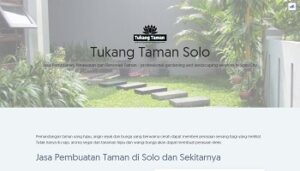
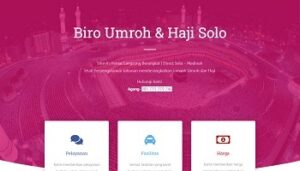
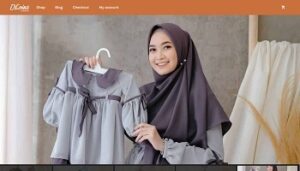
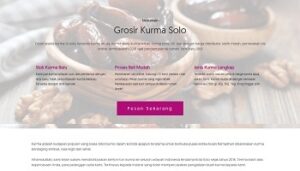
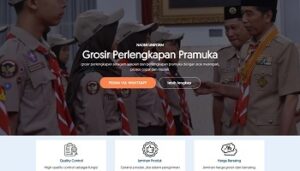
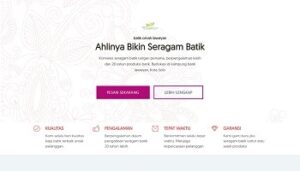
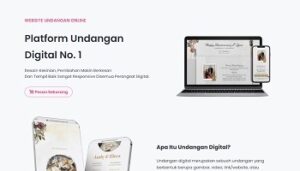
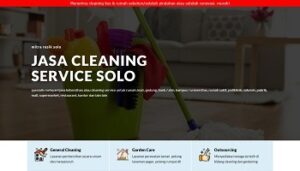
Kami adalah agensi digital yang membantu pemasaran bisnis dengan pengalaman lebih dari 8 tahun dan tim yang solid membuat kami optimis bisa berikan yang Terbaik
Respon Cepat
Kami tidak membiarkan Anda menunggu terlalu lama. CS kami siap merespon dengan Cepat.
Gratis Konsultasi
Kami dengan senang hati berdiskusi dengan Anda kapan saja. Hubungi kami sekarang juga!
Hemat Biaya
Biaya layanan kami lebih Terjangkau dengan pelayanan tetap Berkualitas.
Bergaransi
Kami garansi 100% uang kembali bila kami gagal proses orderan. Tanpa Ribet!
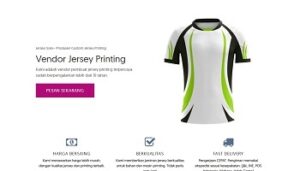
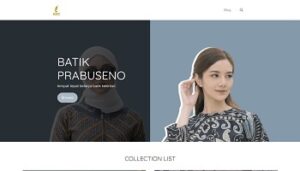
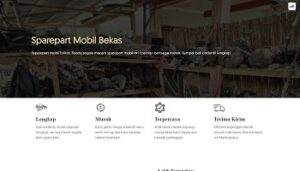
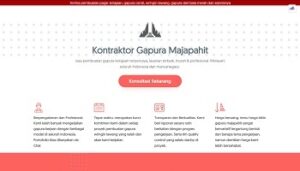
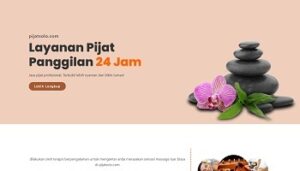
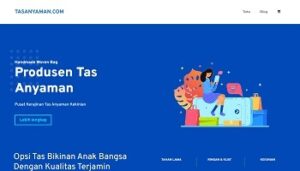
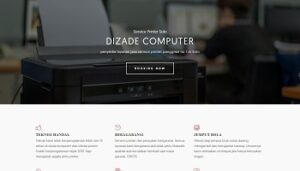
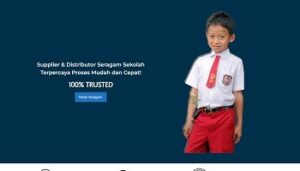
portofolio
Pas, Apapun Jenis Bisnis & Produkmu
Cara cepat bangun kepercayaan & tepat sasaran
one stop digital marketing
Layanan arkan web Lainnya
Setiap project dari client kami kerjakan sepenuh hati dan kami perlakukan seperti bisnis kami sendiri, sehingga hasil terbaik yang akan Anda dapatkan.
Web Development
Jasa Pembuatan Website
Menerima pembuatan web untuk pemilik usaha, bisnis, mahasiswa, umkm company profile, hingga corporate berupa website informasi ataupun toko online yang kompleks, dengan fitur lengkap sesuai kebutuhan.
Web Marketing
Jasa SEO / SEM
Guna meningkatkan trafik ke website sehingga pengunjung potensial ini yang akan menjadi calon konsumen bisnis Anda, melalui Search Engine Optimization dan Search Engine Marketing (paid using google ads)
Web Maintenance
Jasa Perawatan Web
Sudah punya website tapi tidak terawat? tidak pernah update artikel? sering kena serangan malware? serahkan pada kami. tim kami siap pantau 24/7 agar website Anda tetap terawat dan tetap online.
Digital Advertising
Jasa Iklan Sosial Media
Gunakan jasa kami untuk meningkatkan awareness brand dan juga penjualan, dengan target pasar yang tepat serta biaya iklan yang efektif baik itu melalui meta ads (fb dan ig) atau tiktok ads
cara order
Nikmati Layanan yang Cepat & Cekatan
1. Hubungi Kami
Via whatsapp atau bertemu langsung untuk konsultasi dulu kebutuhan Anda.
2. Isi Formulir
Isi formulir yang diberikan oleh admin secara lengkap agar hasil maksimal
3. Proses Pengerjaan
Lihat hasil dalam 3-7 hari, ajukan revisi sampai benar-benar fix
4. Serah Terima
Terima akses website Anda melalui email setelah pelunasan
ARKAN.WEB.ID sebagai penyedia jasa pembuatan website yang berpengalaman dan kompeten. Kami berkomitmen menjadi satu-satunya yang Anda butuhkan untuk dapatkan perhatian dan menangkan persaingan online!
Pertanyaan yang sering diajukan sebelum menggunakan jasa pembuatan website kami. Punya pertanyaan seputar layanan kami? Cari tahu apa saja pertanyaan yang sering diajukan kepada kami berikut ini, siapa tahu pertanyaan Anda salah satunya.
Tidak ada syarat & ketentuan khusus untuk order jasa website kami yang terpenting memahami dulu apa itu website dan apa kegunaanya agar order Anda tidak sia-sia.
Lebih sering proses pembuatan website tanpa melakukan pertemuan fisik. Untuk sekedar diskusi dapat melalui Whatsapp Chat, Call, Telpon dan email. Serta semua materi dapat dikirim melalui email atau WA. Namun jika diperlukan bisa tatap muka offline
Tidak masalah, kerena web dapat dipesan secara online dengan pembayaran dilakukan via transfer. Progress pengerjaan website dapat Anda pantau di manapun Anda berada karena website akan langsung online.
Proses pengerjaan website normal 2 hari selesai, jika materi sudah siap tanpa perlu edit. Jika materi masih dalam keadaan mentah, perlu diedit paling lama maksimal 14 hari.
Bisa. Silahkan sampaikan permintaan anda ke team support kami untuk dapatkan akses CPanel website anda. Namun perlu diingat jika CPanel sudah kami berikan jika ada kerusakan website akibat salah edit website diluar tanggung jawab kami atau Garansi maintenance hangus.
Tentu bisa, tambah post unlimited kami akan memberikan e–book panduan untuk mengelola website, apabila belum jelas, kapanpun Anda bisa menghubungi tim support kami.
100% Satisfaction Guarantee
Kami ingin Anda merasa yakin dalam setiap kerjasama Anda bersama kami, oleh karena itu kami menawarkan 100% garansi puas. Jika Anda tidak puas dengan layanan kami, silahkan hubungi kami untuk diskusi dan kami akan update hingga sesuai.